In recent years, with the introduction of tablets in schools, online learning, and the popularity of educational apps, the amount of time children spend staring at screens daily has increased dramatically.
While highly convenient, this trend leaves parents with endless worries: "Will my child's eyesight worsen (myopia progression)?" or "Are they staying up too late on their phones and getting sleep-deprived?"
In reality, children's eyes are far more delicate than adults' and are much more susceptible to the harmful effects of intense light, such as blue light.
In this article, we will discuss the "three screen-time rules" parents and children should agree on to protect young eyes, as well as proactive "automatic blue light settings" you can configure on their devices.
⚠️ Why Is It Dangerous? Children's Eyes Are Far More Delicate Than Adults'
The crystalline lens of the human eye naturally yellows and clouds with age, acting as a built-in filter that blocks a portion of blue light.
However, a child's crystalline lens is exceptionally clear and transparent. As a result, blue light emitted from smartphone screens reaches the back of the eye (the retina) much more easily than it does in adults.
🚨 Key Risks of Smartphone Use in Children
- Pseudomyopia (Temporary Vision Loss): Holding screens too close causes the focusing muscles in the eye to lock up, making it difficult to see distant objects.
- Late Nights and Suppressed Growth Hormones: Blue light tricks the brain into thinking it is daytime, halting the secretion of melatonin (the sleep hormone). This leads to difficulty falling asleep and disrupts the release of growth hormones essential for healthy development.
🤝 3 Essential Screen-Time Rules to Agree on with Your Child
When letting children use smartphones or tablets, it is crucial to establish clear, upfront rules.
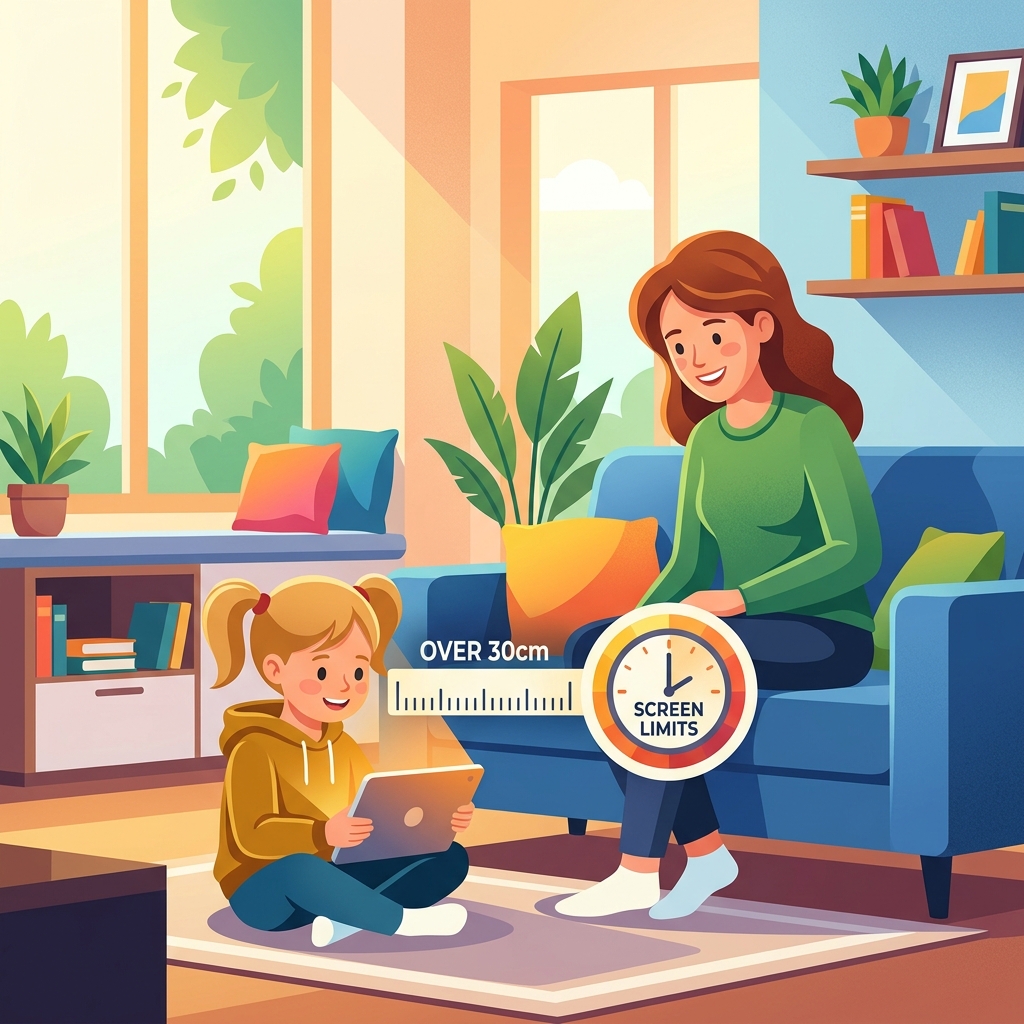
1. Keep the Screen at Least 30 cm Away
"Hunching over and burying their face in the screen" is the fastest way to accelerate myopia. Make a rule to keep devices at arm's length—at least 30 cm away from their face—whether they are reading or playing games.
2. Look Away Every 30 Minutes
When children focus, they can stare at a screen for hours without realizing it. Establish a refresh rule, such as: "After 30 minutes of watching videos, put the phone down and look out the window for 10 seconds."
3. Never Use Phones in a Dark Room
Viewing a bright screen in a dark environment, such as under the covers or after lights out, causes the pupils to dilate. This allows a massive amount of blue light and harsh glare to flood the back of the eye. Enforce a strict rule: "Smartphones are only to be used in well-lit rooms, like the living room."
📱 Proactive Eye Care: Automatic Blue Light Settings for Parents
Even with rules in place, children easily forget them when fully engaged in a game or video. Constantly monitoring and nagging them with "Turn down the brightness!" or "That's bad for your eyes!" creates unnecessary stress for both parents and kids.
A highly recommended solution is to install our free Android app, "Blue Light Filter - Night Mode", on your child's device to set up automatic protection.
🌟 Smart Child Protection with "Blue Light Filter - Night Mode"
- "Automatic Night Filter" via Timer: You can schedule the app to automatically activate a warm, eye-friendly filter in the evening or night (e.g., after 7:00 PM). Even without any action from your child, the app will significantly reduce blue light at the scheduled time, helping them wind down naturally for sleep.
- Preserve Screen Readability with Natural Sepia Tones: The app's filters are meticulously designed to maintain text readability. Educational apps and digital books remain perfectly legible in a soft sepia tone, ensuring the filter never interferes with their learning.
- "Set It and Forget It" Background Operation: Once configured, the app runs seamlessly in the background. It is exceptionally lightweight, consuming minimal battery and causing zero lag, allowing you to protect your child's eyes effortlessly.
Eliminate the stress of constant reminders and let the system automatically keep your child's eyes safe.
❓ Frequently Asked Questions (FAQ) about Kids' Smartphone Use
Q. If I block blue light, is it okay for my child to use their phone in a dark room?
A. No, using devices in dark rooms should still be avoided. While filtering blue light significantly reduces retinal strain and sleep disruption, staring at a bright screen in a dark room forces the eye's focusing muscles to work overtime, leading to severe eye strain (asthenopia). Devices should always be used in well-lit environments.
Q. At what age should we start implementing blue light protection?
A. Protection is recommended for all ages, starting from the very first time they interact with a screen. The period from toddlerhood through elementary school is a critical window for visual development. Exposing young eyes to excessive blue light and prolonged close-up viewing during this stage can impact their lifelong vision. We highly recommend implementing eye-care measures from day one.
Q. Won't my child just uninstall the app or turn off the settings?
A. Having an open conversation and explaining, "This is an important app to protect your eyes," is the most effective approach. Because our app is designed to be user-friendly, it can be toggled on or off with a single tap from the notification bar. When setting up the app, we recommend explaining to your child that this is a "shield to keep their eyes healthy" and configuring it together so they understand its importance.