Many modern smartphones (such as Galaxy, Google Pixel, Xperia, and AQUOS) come equipped with OLED (Organic Light-Emitting Diode) displays, celebrated for their stunning visual beauty and ultra-thin profiles.
While OLED screens deliver vibrant colors and perfect, true blacks, they also come with unique vulnerabilities not found in traditional LCDs: screen burn-in (image retention) and high power consumption.
To keep your premium smartphone running beautifully for two, three, or more years while dramatically improving daily battery life, it is essential to understand how OLED technology works and how a "black filter" can protect your device. Here is an in-depth look at the benefits.
🧐 Why It Happens: The Science Behind OLED Screen Burn-In
Unlike LCD screens, which use a single backlight to illuminate the entire display from behind, OLED displays consist of millions of individual pixels (subpixels) that emit their own light.
Burn-in occurs when static elements—such as the status bar clock, battery icon, in-game UI, or on-screen keyboard—remain in the exact same spot for extended periods. This causes those specific pixels to degrade faster than the surrounding ones, leaving a faint, permanent ghost image behind even when the screen content changes.
🚨 Conditions That Accelerate Burn-In
- Constantly High Screen Brightness: Running your screen at maximum brightness forces a high electrical current through the pixels, accelerating their degradation.
- Static Bright Elements: Keeping static elements on screen for hours, such as status bars or GPS navigation interfaces.
- High-Load Colors (White and Blue): Blue organic compounds degrade much faster than red or green, making blue and bright white elements primary culprits for burn-in.
Once an OLED panel suffers from burn-in, the physical degradation of the pixels is permanent. The only real fix is a costly screen replacement (which can run into hundreds of dollars). This makes proactive prevention absolutely critical.
⚡ The Magic of "True Black" (Pixel-Off) to Cut Battery Consumption in Half
The greatest advantage of OLED displays is their ability to completely turn off individual pixels to display black.
While displaying pure white requires every pixel to shine at full power—consuming maximum energy—displaying pure black consumes absolutely zero power in those areas.
While "Dark Mode" leverages this feature, not all apps or websites support it. By applying a translucent "black overlay filter" over the entire screen, you can tone down bright white backgrounds even in non-supported apps, unlocking massive battery savings.
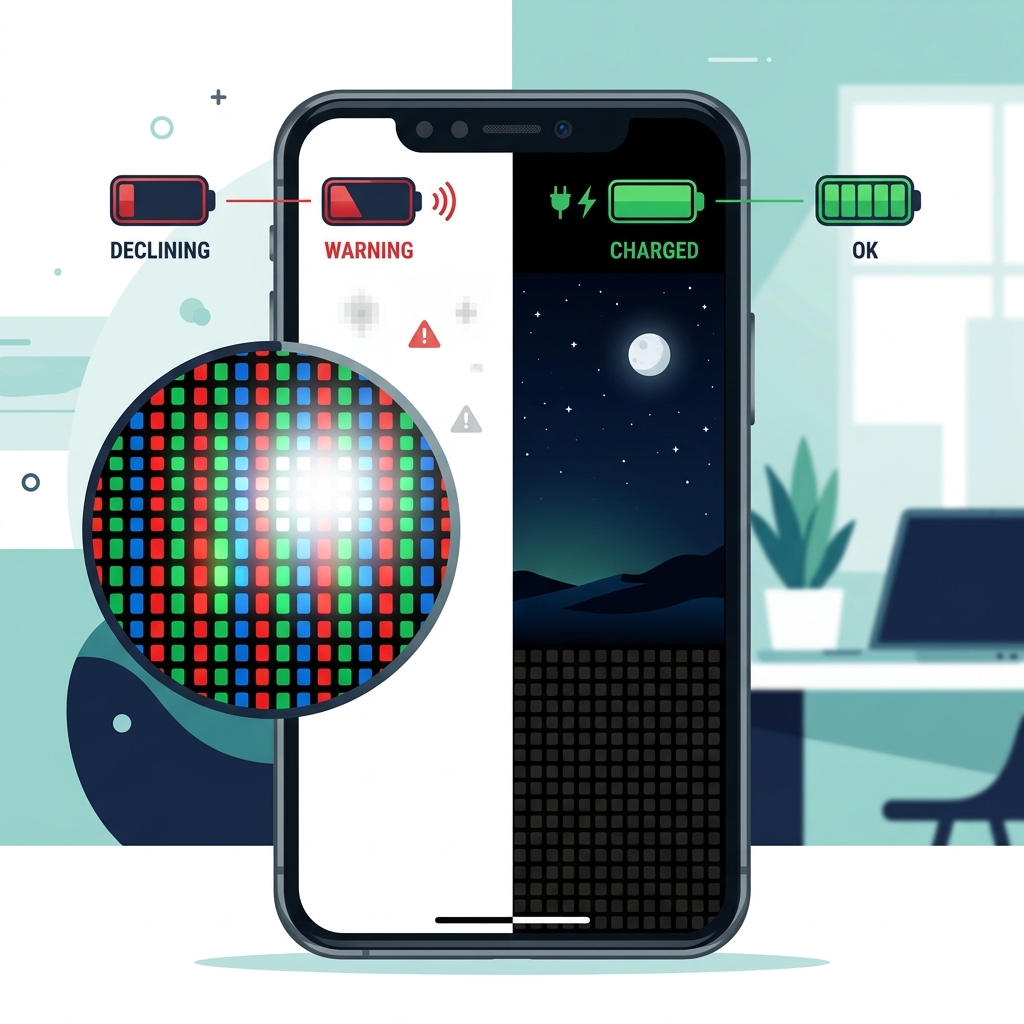
🌙 Extend Your Phone's Lifespan with the "Screen Dimmer" App
To help users protect their valuable OLED displays from burn-in while maximizing battery life, we developed the free Android app "Screen Dimmer" (Brightness Adjustment).
"Screen Dimmer" applies an ultra-lightweight, semi-transparent black overlay filter across your entire screen. This reduces eye strain while significantly lowering the workload and power consumption of your display.
🌟 Why "Screen Dimmer" is Essential for OLED Smartphones
- Directly Reduces Pixel Workload: By lowering the physical peak brightness, it slows down pixel degradation and actively prevents burn-in on static areas like the status bar.
- Incredible Power Savings: The black filter tones down bright white areas into softer grays and darker shades, drastically reducing OLED power draw and significantly extending daily battery life.
- Near-Zero Background Overhead: Designed to be ultra-lightweight and highly optimized, the app runs seamlessly in the background without impacting your phone's performance or speed.
Your smartphone is a major investment. Protect it smartly with "Screen Dimmer" before permanent burn-in sets in and forces an expensive screen replacement.
❓ Frequently Asked Questions (FAQ) About OLED and Burn-In
Q. My screen already has burn-in. Can this app fix it?
A. Unfortunately, existing burn-in cannot be reversed. Because burn-in is caused by the physical degradation of the organic pixels, software cannot restore them to their original state. However, using our app to lower overall brightness is highly effective in preventing the burn-in from worsening.
Q. Does using "Screen Dimmer" make screen colors look unnatural?
A. No, it preserves natural colors while simply lowering the overall tone. Instead of altering the display's color balance (RGB), our app overlays a neutral black (luminance) layer. This ensures that the colors of your photos and videos remain accurate while cleanly reducing overall glare and brightness.
Q. Does this also help prevent overall battery degradation?
A. Yes, it indirectly extends your battery's overall lifespan. By reducing screen power consumption, you will need to charge your phone less frequently. Since lithium-ion batteries degrade based on charge-discharge cycles, reducing the frequency of charges directly helps preserve your battery's health over the long term.